What it is
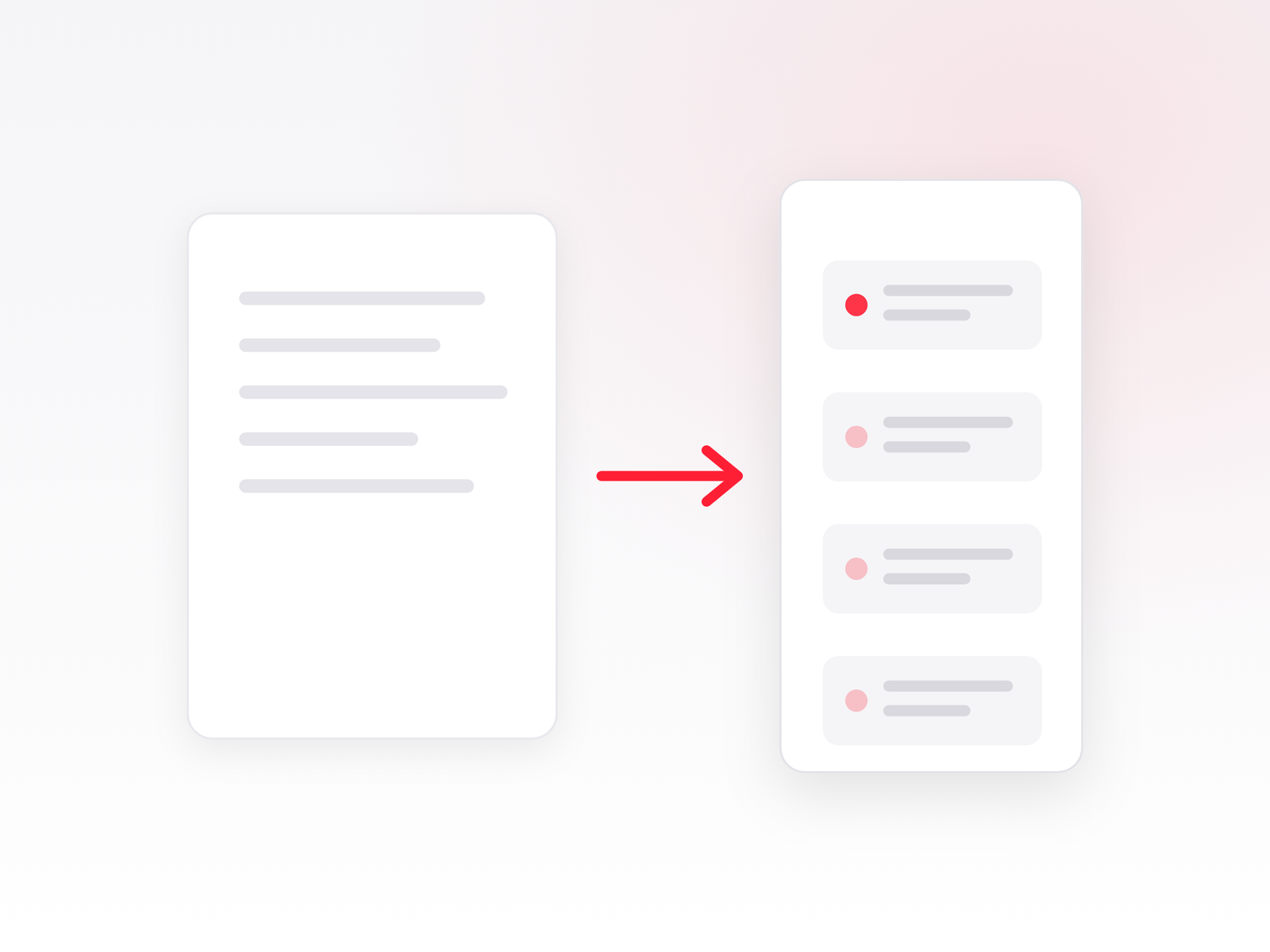
ABBYY FineReader Server is a server-based document recognition system for large volumes. The manufacturer describes it as a solution that “automatically converts large document collections into searchable and accessible digital archives”. It is not a desktop program but a Windows service that runs on a server and works without human intervention.
How it differs from FineReader PDF
FineReader PDF is a program for a person: you open a document, edit it, convert it. FineReader Server is a conveyor: documents arrive by themselves, are processed according to predefined rules and go to the archive by themselves. If you need to process tens or hundreds of thousands of pages a year, it cannot be done with desktop licenses – that is what the server version is for.
How it works
The system consists of separate components:
- Server Manager – the main service: manages licenses, settings and the task queue, and distributes work to processing stations.
- Processing Station – the service that performs the actual recognition. There can be several of them, with work distributed between them.
- Verification Station – a workstation for reviewing and correcting recognition results.
- Indexing Station – a workstation for assigning document type and attributes.
- Scanning Station – batch scanning and sending images for processing.
- Remote Administration Console – management console (Microsoft Management Console snap-in).
A set of processing rules is called a workflow – it specifies what to do with files that enter the system.
Where it picks up documents
- Watched folders on a local or network drive
- Mailboxes (IMAP, MAPI, POP3)
- Microsoft SharePoint Server 2013 / 2016 / 2019 and SharePoint Online
- Scanners and multifunction devices via Scanning Station (TWAIN, WIA or ISIS)
- Microsoft Windows Search
What it does with the document
- Recognizes text in more than 200 languages and any combination of them; 49 languages with dictionary support.
- Saves PDF and archival PDF/A standards (1a, 1b, 2a, 2b, 2u, 3a, 3b, 3u), as well as PDF/E and accessible PDF/UA; supports digital signatures and watermarks.
- Compresses PDFs so files take up less space while keeping quality.
- Also saves to editable formats: DOCX, XLSX, PPTX, RTF, TXT, CSV, HTML, TIFF, JPEG, PNG, EPUB, XML, Alto XML, JSON.
- Automatically separates individual documents from one stream – by page count, blank pages, barcodes or script rules.
- Works on a schedule or continuously.
Integrations
Connects to archives and document management systems via XML tickets, the COM interface and web services API, including REST. The COM interface is for work on a local network, the web API for remote systems over HTTP. Hosting the API on a server requires Internet Information Services (IIS 7 or later).
Licensing
The license is based on the number of pages processed per year – in our shop these are packages of 100 000 and 200,000 pages per year, on a subscription basis. The number of processor cores and processing stations used simultaneously is also limited by the license parameters.
A license can be local (activated with a serial number or license file), online (stored on the manufacturer's license server) or hardware (USB key, no activation needed). The system has a separate audit function that calculates in advance how many pages will be deducted from the license – this lets you estimate the required package before buying.
System requirements
- Windows 11 / 10 / 8.1 or Windows Server 2025 / 2022 / 2019 / 2016 / 2012 R2 / 2012 with Desktop Experience
- Processor 2 GHz or faster, at least two cores
- 4 GB RAM minimum; for the processing station an additional 500 MB for each recognition process
- Up to 7 GB of disk space plus 2 GB for operation; the manufacturer recommends an SSD
- Internet Information Services (IIS 7 or later) for hosting the web API
The manufacturer does not recommend servers with more than 12 cores, and one processing station cannot use more than 32 cores.
What this product does not do
FineReader Server recognizes and converts documents, but does not extract data from forms and invoices by field. If you need to automatically capture an invoice number, amount or supplier – that is the area of other ABBYY products, FlexiCapture or Vantage. Tell us what you want to automate and we will tell you which product fits.
Price and offer
The price depends on the number of pages per year and the license type, so it is provided on request. Tell us how many documents you process per year and where they come from – we will send an offer and, if needed, help estimate the required volume. Call +370 676 10000 or write via the contact page.