What it is
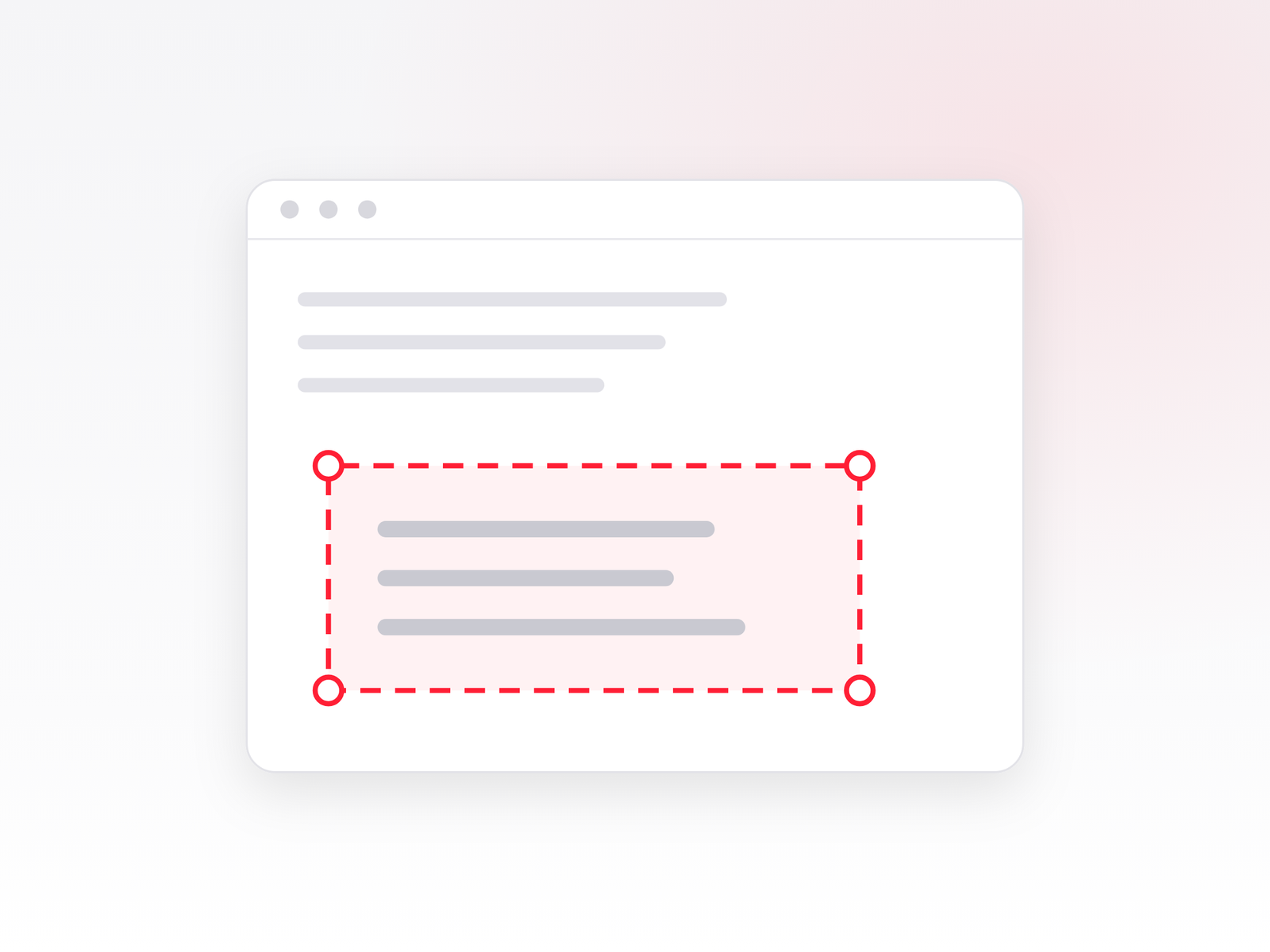
ABBYY Screenshot Reader is a small standalone program that recognizes text anywhere on the screen. Select an area – get text. It works where text cannot be copied: a PDF without a text layer, an image, a presentation, a video, a program that does not allow copying, or an error message window.
Where it helps
- Copy a table from a scanned document straight into Excel.
- Take text from an image or screenshot without retyping it by hand.
- Copy an error message so you can search for it online.
- Quickly save a screen area as an image.
The result can be sent straight to Word or Excel, to the clipboard or saved to a file.
What to know before buying
Screenshot Reader is already included in FineReader PDF Corporate. If you are buying or already have the Corporate version, you do not need to buy this program separately. The standalone license is for those who need only this tool, without the full PDF editor.
License is perpetual – it is not a subscription, you pay once.
System requirements
- Microsoft Windows 11 / 10
- Internet connection for serial number activation
License and delivery
We send the license key and a link to the program by email within 1 business hour after payment (working days 9:00–17:00), together with a VAT invoice.